Best Video Editing Services Compared: 10 Options for 2026
You record an episode on a Tuesday with good energy and a guest who says useful things. By Sunday you're still trimming silences, fixing captions, and telling yourself the clips can wait. They always wait. That's the moment a best video editing service stops being a luxury and starts being an operations decision.
This list compares ten options by workflow fit, not by feature count. Some fit a solo podcaster who publishes monthly. Others fit a multi-camera show, a repurposing queue, or a business that needs several formats from one recording. Prices and turnaround times below are the published figures at the time of review, and each item names what the provider leaves out.
Editing is reportedly the most time-consuming production task for 78% of creators, according to the Kapwing video marketing statistics for creators. I read that as the core test for this category. If a service doesn't give you back selection, review, captioning, and repurposing time, it's just moving your weekend work to a different invoice.
Table of Contents
- 1. Services - Long Form Video Editing
- 2. Tasty Edits
- 3. Vidchops
- 4. Video Husky
- 5. beCreatives
- 6. Podigy
- 7. Podcutting
- 8. The Good Podcast Company
- 9. Komet Media
- 10. Trevor O'Hare
- How the ten editing services compare on published pricing, model, and turnaround
- Matching the Service to Your Publishing Schedule
1. Services - Long Form Video Editing
A weekly show needs a repeatable edit, not just a clean timeline. Pixel Samy Studios long-form video editing covers post-production for podcasts and other long-form video. The broader agency also handles short-form video, brand films, and content distribution, which suits teams looking to build several assets around their content.
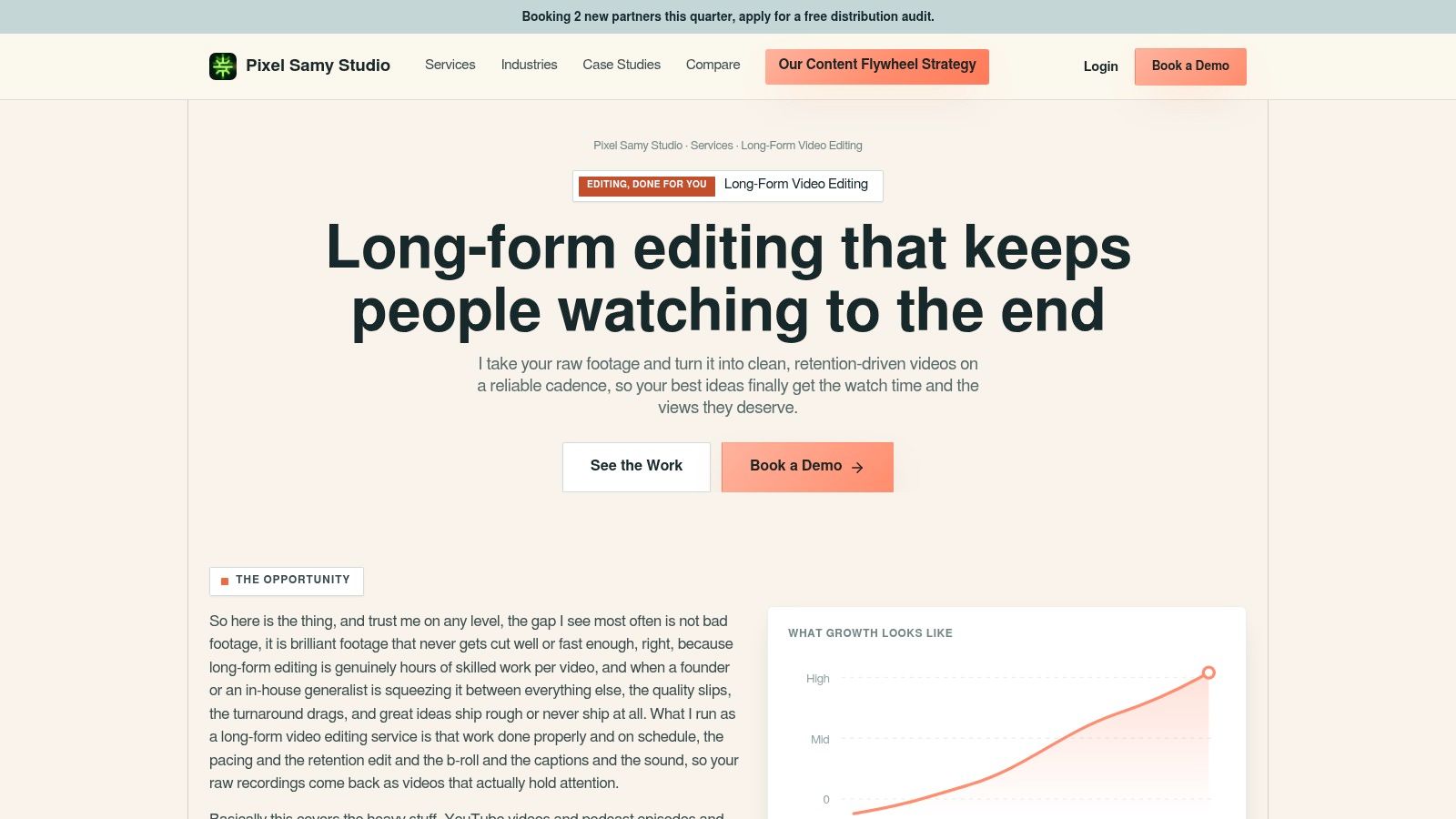
For a weekly podcast, the workflow is straightforward: record, upload the raw files, and receive a finished edit. Pixel Samy confirms the scope, then a human editor watches the full episode and makes a cut list before editing. The first cut arrives within 48 hours of upload. There is no retainer, minimum commitment, or onboarding fee.
How We Work on an Episode
Single-camera podcast editing costs $199 per episode. The Studio plan costs $299 per episode for 2 to 4 cameras in 4K, with unlimited revisions, for episodes up to 60 minutes. The Studio edit includes active-speaker switching.
Editors flag potential clips while cutting the full episode. The client approves or swaps the suggested moments and chooses how many vertical clips they want. Clips cost $25 each and are an add-on to an episode edit. Bundling them can improve the selections: the editor already knows the conversation and where its strongest moments are. If you only need clips and already trust your editor, a standalone tool may suit you better.
- Best fit: Shows that publish weekly and want post-production handled after recording.
- Multi-camera trade-off: Studio includes 2 to 4 camera angles in 4K. Single-camera editing costs less.
- Watch out: Pixel Samy handles post-production only. You record and send the files; filming is not part of the podcast editing service.
Practical rule: Choose the workflow around your publishing schedule and camera setup. Clips add value when they come from an editor who has watched the full episode.
2. Tasty Edits
Uneven publishing schedule? Tasty Edits sells per video instead of forcing a retainer. Long-form editing starts at $327 per video, bundles lower the per-video rate, and short-form editing starts at $94 per video. You can add YouTube uploads and channel-management support on top.
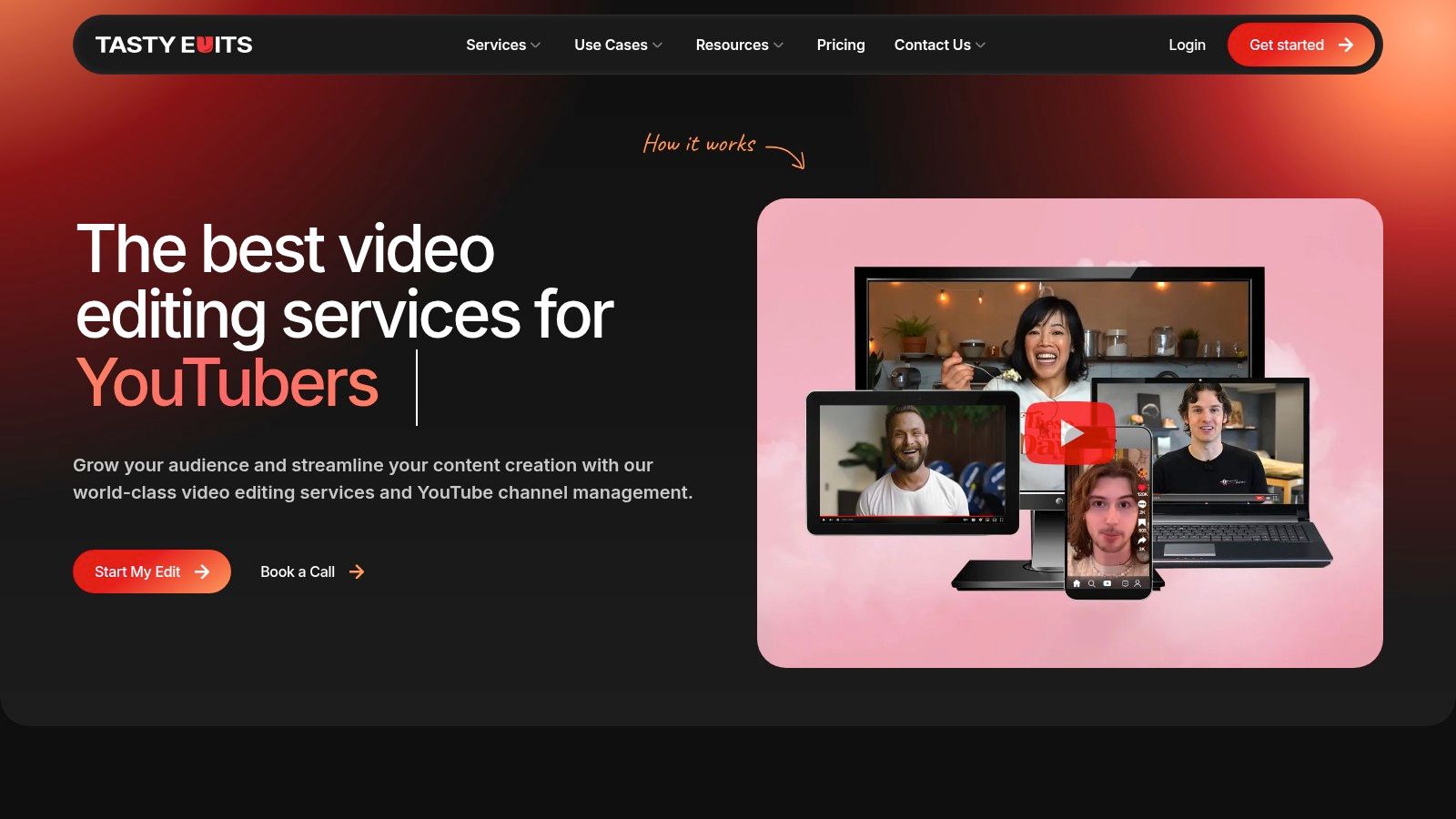
The offer includes a personal editor and a video manager. Published turnaround targets are 48 hours for horizontal videos and 24 hours for vertical videos. Motion graphics, stock footage, color correction, and audio correction are part of the editing work, which helps if your raw footage needs more than cuts.
What Costs Extra
Thumbnails and vertical reformatting are paid add-ons, so don't price a full publishing package from the base edit alone. Bundles improve the unit price, but you pay for several edits upfront. Confirm how the published unlimited revisions and turnaround terms apply to your exact project before you commit.
For a side-by-side look at pricing and scope, see the head-to-head comparison with Tasty Edits. I recommend it when you publish in bursts and don't want a monthly clock running.
3. Vidchops
Vidchops runs on monthly credits. The published Weekly plan costs $495 per month for four credits, and the Pro plan costs $995 per month for eight credits. One credit covers one long-form video or four short-form videos, so you can shift allocation as your calendar changes.

You get a dedicated editor, and Pro adds an account manager. The workflow includes video proofing and stock assets, with a stated turnaround of 1 to 2 business days. Plans allow cancellation without a long-term contract, which lowers the risk of testing it for a month.
The trade-off is the cap. Credits suit predictable output, and they punish irregular output. If you record nothing for three weeks, you've still paid for capacity you didn't use. Check that your footage length and edit complexity fit the standard credit definition, because a dense multi-camera episode isn't the same job as a simple talking-head cut.
The detailed comparison with Vidchops is useful if you're weighing credits against per-episode pricing. I prefer credits only when your publishing rhythm is already stable.
4. Video Husky
Businesses making several kinds of video will find Video Husky easier to place than a podcast-only service. It covers talking-head videos, ads, interviews, podcasts, and social clips under one managed subscription.
Published plans are $849 per month for Eskimo, $1,590 for Siberian, and $2,749 for St. Bernard. Higher tiers add editor time, more exports, and 4K resolution. Unlimited revisions are listed on subscription plans, and pay-per-project credit bundles are available if monthly billing doesn't fit.
Read the Tier Limits First
Lower tiers carry footage, resolution, and export limits. That's where comparisons get misleading. A plan can sound unlimited and still constrain you through editor time or delivery specs. Map your raw footage volume against the tier before you look at the price.
Don't buy the headline request limit. Buy the editor time, footage allowance, and export spec you'll actually consume.
If you're comparing this model against a per-episode service, use the side-by-side comparison with Video Husky. It's a sensible pick for a business with mixed formats every week, and an expensive one for sporadic editing.
5. beCreatives
A backlog of webinars, podcasts, or older recordings can make repurposing plans more useful than commissioning each video separately. beCreatives offers monthly editing plans starting at $1,199, alongside one-off videos listed at $89. Its offer includes captions and platform-specific resizing.
Some plans include a dedicated editor and direct collaboration options. The one-off video gives you a way to assess the editing style before committing to a monthly plan, though it may not show how the service handles a steady flow of varied footage.
- Strength: Repurposing plans suit teams working from webinars, podcasts, and older recordings.
- Low-risk start: Try the one-off video before subscribing.
- Constraint: Monthly plans require a significant ongoing budget, and requests remain subject to plan limits.
For a useful test, choose a typical recording with the audio and pacing issues your team regularly faces. The result can help you judge whether a monthly plan fits your workload and budget.
6. Podigy
Podigy focuses on business and B2B podcasts. Its service combines audio and video episode editing with clips, show notes, titles, thumbnails, and publishing support.
The listed single-episode News Package costs $1,250. Organizations with multiple shows can request custom pricing. The package makes most sense when you want the surrounding publishing work handled alongside the edit. If your team already prepares its own show notes and titles, that portion of the service may not justify the price.
Nonlinear editing lets editors revise footage in different sequences without changing the original media. That flexibility supports versioning and repurposing from a source recording. Podigy is a fit when a podcast episode serves a business goal and publishing support matters alongside the cut. For unrelated video projects, its podcast-focused package may be more than you need.
7. Podcutting
Podcutting keeps pricing per deliverable, which suits creators and white-label agency partners. Published rates include $250 for one full episode, $950 for four episodes, and clip packages starting at $150 for three clips. There's also a $50 paid trial clip.
Full episodes get multi-camera editing, audio cleanup, and color grading. Clips include motion graphics and B-roll. Published revision allowances are one per clip or two per episode, so you need to give consolidated feedback instead of dribbling notes across a week.
Where the Model Pinches
Episode editing and clip creation are separate choices. That separation is clear, but it can weaken clip selection if the clip editor didn't cut the full episode. Standard episode delivery is listed at 3 to 5 days, which won't suit a show that records close to publication.
I like the paid trial clip as a filter. It costs little, shows caption style and pacing quickly, and tells you whether their motion graphics match your brand before you buy four episodes.
8. The Good Podcast Company
If you want per-episode maths you can do in your head, The Good Podcast Company is straightforward. Standard starts at $250 per episode and Premium starts at $350 per episode.
The service covers audio cleanup, video editing, and multi-camera edits, with branded intros and outros. Premium adds curated show notes and uploading or distribution. An editor does a full watch-through, which matters more than most buyers realize. Silence detection doesn't catch a wrong name, a dead joke, or a guest answer that contradicts your offer.
The site advertises a first episode at no charge. Use it on a real episode, not your cleanest recording. You'll learn more about communication and quality control from a difficult file.
The limit is scope. It's podcast-centered, and you should clarify the cost of clips or other social assets if those are central to your strategy. For a predictable weekly show that mainly needs publish-ready episodes, the pricing is easy to defend.
9. Komet Media
Komet Media aims at B2B teams that want an episode to travel beyond podcast playback. The service turns episodes into short-form clips, LinkedIn posts, and other social content through a managed workflow.
That positioning fits the wider market direction. Independent creators and prosumers constitute the largest customer segment at 36.0% of 2025 revenue in the video-editing software market, according to the Dataintelo global video editing software market report. Buyers increasingly expect repeatable production, not one polished video at a time. Komet's repurposing-first offer speaks to that demand.
- Best fit: B2B shows distributing on professional social channels.
- Core value: Clips and social content are central, not an afterthought.
- Missing piece: Pricing and package limits weren't clearly listed on the reviewed page.
You'll likely need a discovery conversation to establish scope and cost. That's fine for a managed B2B engagement. It's a poor fit if you want transparent per-episode pricing today, or if your show is entertainment-led rather than business-led.
10. Trevor O'Hare
One editor, direct communication, no account layer. Trevor O'Hare offers podcast audio editing with an audio-plus-video option, priced by raw-footage length.
Audio editing is listed at $100 per 30 minutes, and video adds a flat $150. The page gives $350 as an example for a 60-minute audio-and-video edit. Two revision rounds are included, with standard turnaround of about three days. A sample edit and specific delivery terms are listed, which I always prefer to vague promises.
The work covers audio cleanup, mixing, and mastering, plus video cuts and transitions in formats for YouTube and social platforms. It's a narrower scope than services that also provide strategy, clips, and distribution, and that's the honest trade-off.
Capacity is the other limit. A solo provider can't absorb illness, holidays, or a sudden doubling of your schedule the way a team can. Footage longer than three hours is quoted individually. Pick this route when continuity with one person matters more than scale.
How the ten editing services compare on published pricing, model, and turnaround
Price alone does not show whether a service fits your workflow. Compare the billing model, delivery time, and type of editing included. The figures below reflect the published offers described for each service.
| Item | Starting Price | Pricing Model | Stated Turnaround | Best For |
|---|---|---|---|---|
| Services - Long Form Video Editing | $199 per episode (single-camera); $299 per episode (2 to 4 cameras, 4K) | Per episode | First cut within 48 hours of upload | Founders and creators seeking editing with broader content support |
| Tasty Edits | $327 per long-form video | Project-based; bundles available | 48 hours for horizontal; 24 hours for vertical | Creators needing flexible per-video editing |
| Vidchops | $495 per month | Monthly subscription with credits | 1 to 2 business days | Recurring creators who need flexible long- and short-form edits |
| Video Husky | $849 per month | Monthly subscription; project credit bundles also available | Not stated | Businesses producing varied video formats |
| beCreatives | $89 per one-off video | Per-video or monthly subscription from $1,199 | Not stated | Teams repurposing existing recordings |
| Podigy | $1,250 per episode | Per-episode package; multi-show pricing is custom | Not stated | Business and B2B podcast teams seeking production and supporting assets |
| Podcutting | $50 trial clip; episodes from $250 | Per episode or clip package | 3 to 5 days for episodes | Podcast creators and white-label agency partners |
| The Good Podcast Company | $250 per episode | Per-episode packages | Not stated | Podcasters seeking audio and video post-production |
| Komet Media | Not stated; request a quote | Custom scope | Not stated | B2B teams repurposing podcasts for social distribution |
| Trevor O'Hare | $100 per 30 minutes for audio editing | Based on raw-footage length; video is an add-on | About 3 days | Podcasters seeking direct work with an individual editor |
A per-episode fee is easy to compare with a publishing schedule, while a monthly subscription may suit teams with recurring editing needs. Where a provider does not publish a turnaround or price, confirm it before committing. The stated turnaround also differs in scope: Pixel Samy's figure is for the first cut, while other listings describe delivery time.
Matching the Service to Your Publishing Schedule
A monthly show leaves room for DIY editing, especially if you enjoy the work. As episodes become weekly, editing can crowd out recording, publishing, and promotion. Choose a service based on the capacity you'll use, not the features on its plan.
Subscriptions can suit a predictable schedule, but unused monthly capacity still costs money. Project-based editing gives you more control when episode volume changes, though you may need to arrange each edit separately. Compare the commitment with your publishing rhythm before choosing.
Test With a Real Episode
Start with a paid trial or first-episode offer, if available. Send typical footage, including room echo, crosstalk, or a weak middle section. Judge the editor's decisions as well as the polish: do they preserve a meaningful pause, catch a wrong name, and select clips that retain the episode's context?
Human review matters when selecting moments. AI can help with transcription, captions, and rough selections, but clean cuts alone do not guarantee useful clips. A technically tidy excerpt can still lose the point.
The cheapest edit is the one you don't have to review three times, recut for clips, and re-export for every platform.
Build turnaround time around your release day, with room for revisions. A 48-hour first cut may fit a weekly show recorded on Monday. A 3 to 5 day delivery is a tight fit for a Thursday recording and Monday release, especially if thumbnails and scheduling are still outstanding.
Separate the main episode edit from quick distribution tasks. The main edit may involve multicam sync, dialogue cleanup, color, and master exports. Lighter tools can handle review, approvals, or an urgent social edit, but check whether that division creates extra handoffs.
Price the publishable package, not just the episode edit. Clips, thumbnails, captions, show notes, and distribution may cost extra. Pixel Samy charges $25 per vertical clip as an add-on to an episode edit. The editor who cuts the episode already knows where its strong moments are. Compare the total cost with the number of assets you will publish and the editing time your schedule requires.
If you want a finished long-form episode and vertical clips without handling post-production yourself, Pixel Samy Studios offers podcast video editing. You upload the raw files, and an editor watches the full episode and handles the post-production. Clips for Shorts, Reels, and TikTok can be added to the episode edit.